






Blogs
Explore insights, tips, and industry trends

Case studies
See how organizations achieve real results

eBooks and reports
Access in-depth research and expert analysis

Research
Discover original research and data-driven insights

Webinars
Join live and on-demand sessions with experts

Whitepapers
Access research and expert analysis

Academy
Build skills with structured courses and training

Certified trainers
Get expert training from certified professionals

International partners
Connect with trusted partners around the world

Knowledge center
Find guides, tutorials, and product documentation




How to use AI for thematic analysis
Key takeaways
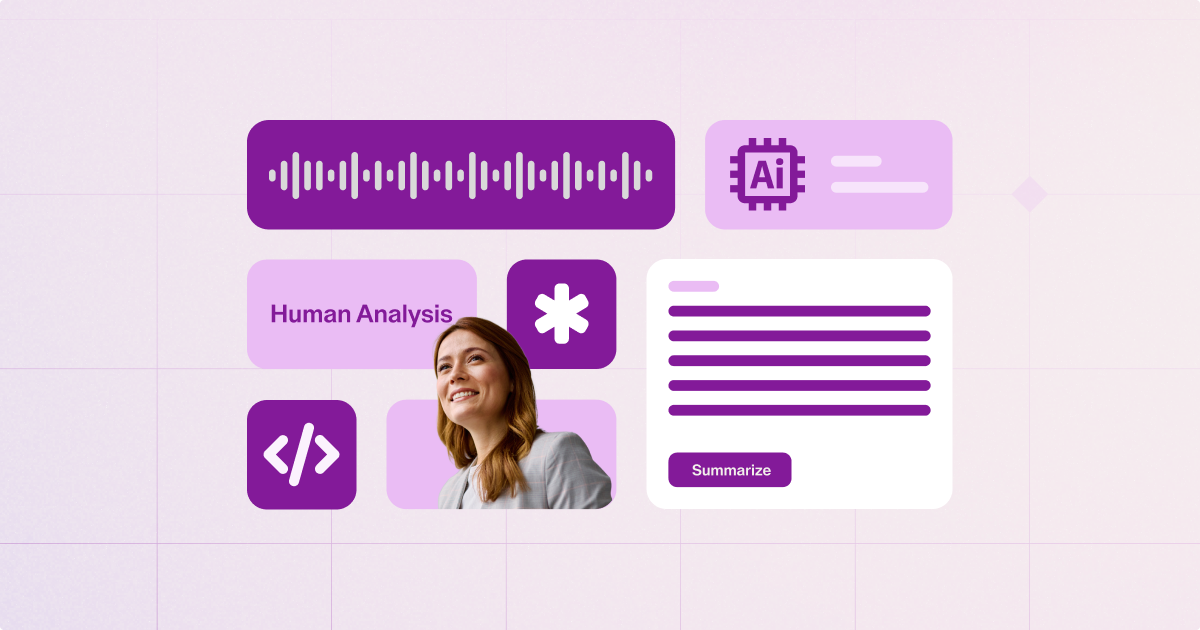
AI can meaningfully accelerate thematic analysis—particularly in the early phases of summarization, initial coding, and pattern detection—but it cannot replace the interpretive judgment that makes qualitative findings defensible. NVivo AI Cloud brings AI into one purpose-built environment, grounded in qualitative methodology and rigor, so researchers can handle larger datasets, maintain transparency through audit trails, and produce publication-ready results without sacrificing rigor or juggling separate tools.
AI is reshaping how qualitative researchers approach thematic analysis. From summarizing interview transcripts to generating initial codes, artificial intelligence can accelerate the most time-intensive phases of qualitative research—without replacing the need for the researcher’s interpretive judgment that makes findings meaningful.
But using AI effectively in thematic analysis requires more than pasting textual data into a chatbot. It calls for a structured workflow, an understanding of what generic AI can and cannot do, and tools designed for research rigor.
This guide walks through how to use AI at every phase of thematic analysis in qualitative research, with practical prompts, limitations, and guidance on how NVivo AI Cloud builds AI into a smooth data flow, from research question to coded evidence.
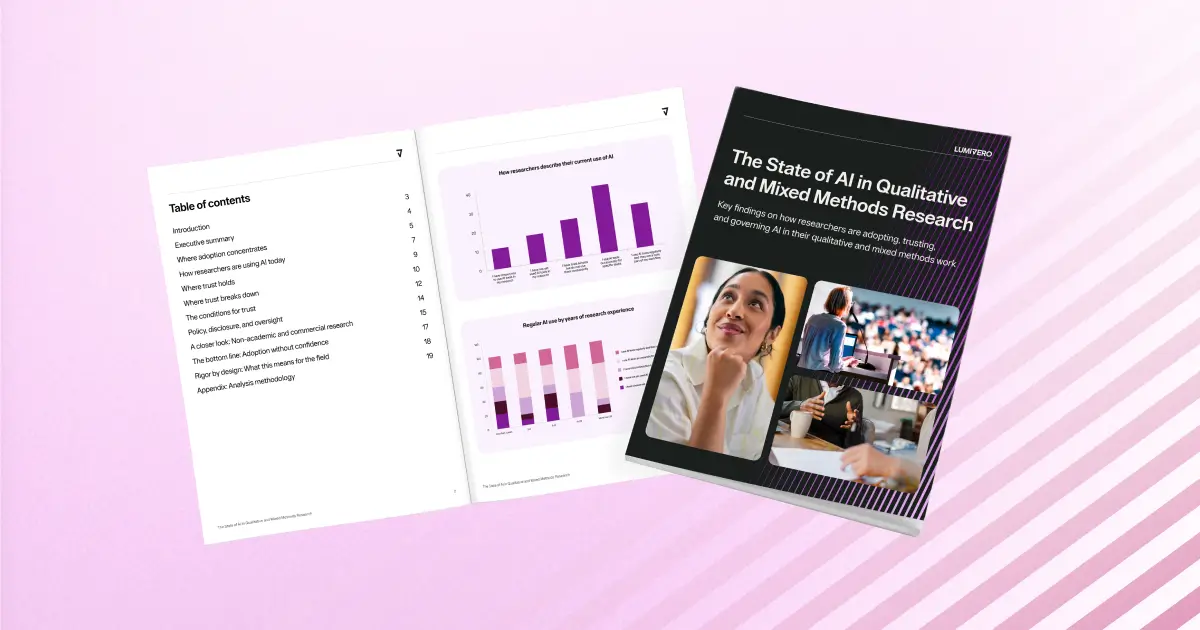
The State of AI in Qualitative and Mixed Methods Research
Discover key findings on how researchers are adopting, trusting, and governing AI in their qualitative and mixed methods work.
Download report →What is AI-assisted thematic analysis?
Thematic analysis tools analyze multiple files to identify patterns within unstructured data. It is most commonly associated with the six-phase framework developed by Braun and Clarke (2006), which remains the most widely cited approach in qualitative research. For a detailed walkthrough of the methodology and its phases, see our guide to thematic analysis in qualitative research.
AI-assisted thematic analysis refers to any workflow where AI tools support one or more phases of the analysis process. Researchers typically use AI in three ways: general-purpose LLMs (ChatGPT, Gemini, Claude) for summarizing text and proposing themes; purpose-built qualitative data analysis (QDA) tools with integrated AI, such as NVivo AI Cloud, that work within a research project alongside existing codes and audit trails; and standalone AI platforms.
Qualitative datasets are growing. Researchers now routinely work with hundreds of interviews, focus groups, and open-ended survey responses. Manual coding at this scale is extraordinarily time-consuming, and the risk of inconsistently starting codes increases with volume. AI tools can accelerate early-stage tasks while surfacing patterns across large datasets, leaving more time and effort for analyzing qualitative data.
AI in thematic analysis is the use of artificial intelligence tools to support one or more phases of qualitative thematic analysis—typically data summarization, initial coding, and theme clustering—while the researcher retains control over interpretation, validation, and reporting.
What AI can do in thematic analysis—and what it can't
AI tools can meaningfully support several stages of the thematic analysis process:
- Data summarization: AI generates concise overviews of transcripts and documents, helping researchers orient themselves before deep reading.
- Generating initial codes: AI applies descriptive labels to data segments based on semantic content, giving researchers a starting codebook to refine.
- Clustering codes into candidate themes: AI identifies relationships between codes and proposes thematic groupings across an entire dataset.
- Cross-case pattern detection: AI compares coded content across participants or cases, highlighting convergence and divergence at scale.
- Report drafting: AI produces structured narrative summaries of findings, which researchers then revise for accuracy and analytical depth.
Where human judgment remains irreplaceable
AI identifies frequency and proximity—it finds what appears often and what appears together. But thematic analysis is not a frequency exercise. Themes must be meaningful, not merely common. Reflexive interpretation—understanding why a pattern matters in the context of your research question—remains a distinctly human capability. Researchers feel the same way: they report their lowest trust in AI for supporting interpretation or sense-making (20%), compared with 34% for summarizing coded material and 33% for transcription, according to Lumivero’s “State of AI in Qualitative and Mixed Methods Research.”
Researchers must validate whether AI-generated themes represent genuine meaningful insights or surface-level word associations. Ethical accountability also stays with the researcher: decisions about which voices to foreground, which text data to treat as marginal, and how to represent participants' experiences cannot be delegated to an algorithm.
The AI transparency problem
Not all AI tools are equal when it comes to research transparency. General LLMs process prompts without maintaining a record of how they arrived at a particular coding decision. They offer no persistent codebook, no audit trail, and no way to reproduce results. These are among the most important limitations of AI in research to consider before relying on AI-generated codes, summaries, or interpretations.
When evaluating AI tools, look for features that preserve transparency: visible reasoning, editable outputs, integration with your existing codebook, and a clear audit trail documenting every AI-assisted decision.
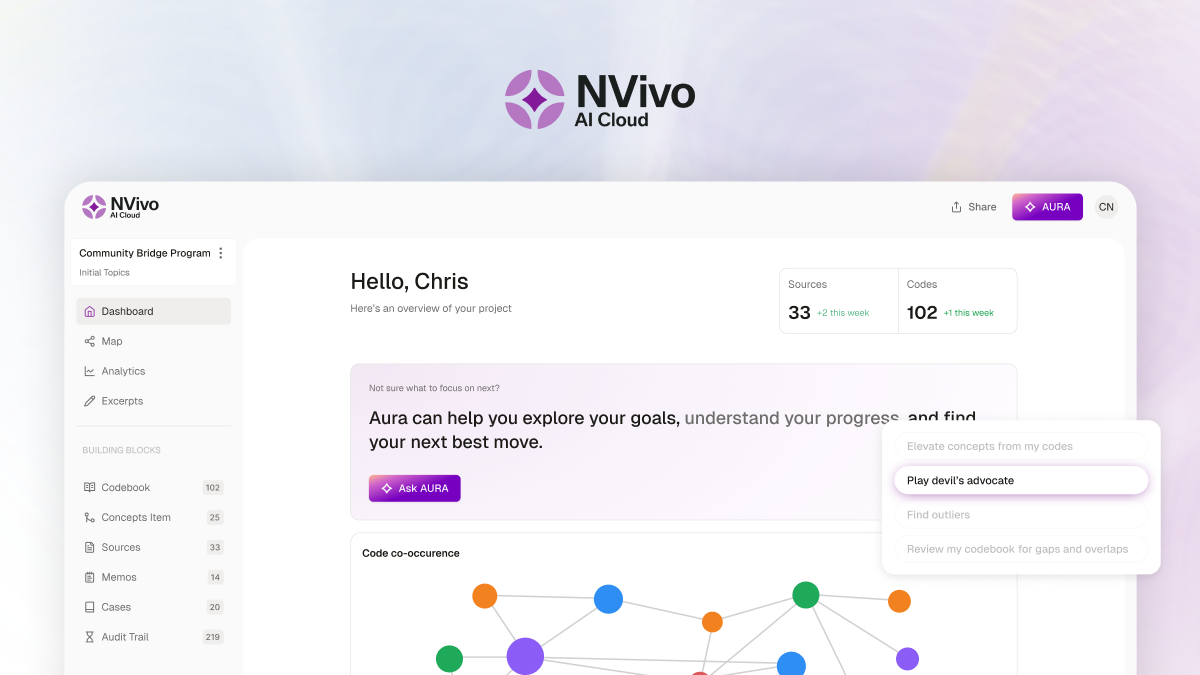
NVivo AI Cloud is built around these criteria. AURA—NVivo AI Cloud's AI-powered Unified Research Assistant—attaches supporting excerpts to every topic it suggests, works within your existing codebook, and leaves you to confirm or reject each suggestion. Every action, yours or AURA's, is attributed and recorded in an audit trail you can export, with prompt inspection to review the prompts behind AI-generated content.
How to use AI in thematic analysis: A step-by-step walkthrough
The following walkthrough uses Braun and Clarke's six-phase framework as its structure. For each phase, you'll find what AI does, what you do as the researcher, and how NVivo AI Cloud supports the process.
Phase 1: Using AI to familiarize yourself with qualitative data
What AI does: Summarizes transcripts, flags recurring language and key phrases, and generates overview memos that help you get a high-level picture of your data quickly.
What you do: Read the data yourself. AI summaries are a starting point, not a substitute for immersive reading. Use them to orient your initial impressions, then engage with the raw data directly.
NVivo AI Cloud: AURA reads each document you import and writes a short, research-oriented summary that becomes the source's memo. You can open it beside the document to check and edit it, and audio or video you upload is transcribed in the platform, with the transcript paired to the recording for your review before it joins the project. These steps give you a structured starting point without replacing the close reading that facilitates a consistent and objective analysis.
Phase 2: How to use AI to generate initial codes
What AI does: Applies initial labels to data segments based on semantic content. It can also suggest sub-codes from already-coded material, helping you build out a codebook iteratively.
Prompt example — adapt for your own data: "Here is an interview excerpt. Identify 5–8 descriptive codes that capture the key ideas expressed by this participant. Format as a numbered list with a one-sentence explanation for each code."
What you do: Review every AI-suggested code. Accept, refine, or reject each one. Add interpretive depth that reflects your theoretical framework and research questions. The codebook should always be researcher-controlled.
NVivo AI Cloud: AURA identifies initial topics across your sources with the supporting excerpts attached, and you confirm or reject each one before it becomes a code. AURA then auto-codes against the topics you confirm, and you can ask for suggested child codes under any code. You can still create and apply your own codes alongside AI suggestions, at whatever level of detail your project needs. This keeps the coding process grounded in your existing analytical structure. For more detail on coding workflows, see our guide to coding interview transcripts.
Phase 3: Using AI to search for and cluster themes
What AI does: Clusters codes into candidate theme groups and identifies semantic relationships across a dataset. This can reveal connections you might not spot when working through codes individually.
Prompt example — adapt for your own data: "Based on the following list of codes from my dataset, suggest 3–5 candidate themes that group related codes together. For each theme, list the codes it contains and write a two-sentence description."
What you do: Assess whether groupings reflect meaningful patterns or surface-level word matches. A cluster of codes that share vocabulary is not necessarily a theme—it must represent a coherent analytical idea.
NVivo AI Cloud: AURA surfaces broad initial topics across your whole corpus, each with its supporting excerpts, and you develop them into themes using your own methodological approach. Code × Variable and Code × Code matrices then show how codes distribute across participants and where they intersect, ready to export.
Phase 4: Using AI to review and refine your themes
What AI does: Helps check internal consistency of themes and surfaces outlier data points that don't fit neatly into existing groupings.
What you do: Test themes against the full dataset. Refine, merge, or split themes as needed, moving iteratively between the data and your thematic map to ensure every theme is supported by sufficient evidence and is distinct from others.
NVivo AI Cloud: Ask AURA to play devil's advocate or look for outliers and deviant cases in your project, with answers drawn only from your own data and cited back to the excerpts used. You decide which counter-evidence changes your themes.
Phase 5: How AI can help define and name themes
What AI does: Drafts theme definitions and suggests names based on the coded content within each thematic group.
What you do: Finalize names and definitions that are analytically precise and grounded in your research question. A good theme name tells the reader what the theme captures and why it matters—AI-generated suggestions often need significant refinement to reach that standard.
NVivo AI Cloud: Write a definition for each code, group codes into concepts that name the higher-level themes running through your coding, and ask AURA to summarize a code from its excerpts as a memo you can refine.
Phase 6: Using AI to write up your thematic analysis report
What AI does: Drafts narrative summaries of findings, generates structured write-ups organized by theme, and supports quote selection by surfacing representative data excerpts.
What you do: Ensure the final write-up is coherent, contextually accurate, and analytically defensible. AI-drafted text must be rewritten in your own analytical voice. Verify that every quote is accurately attributed and serves your research argument.
NVivo AI Cloud: Record your write-up in memos that link to codes and cite exact excerpts. Exporting a memo to Word turns each citation into a numbered footnote, so a reader can follow every finding back to its evidence.
AI-assisted vs. manual thematic analysis: key differences
The table below summarizes the practical trade-offs between fully manual and AI-assisted approaches.
| Tool | Best for | Key strength | Key limitation |
|---|---|---|---|
| SharpCloud | Complex enterprise portfolio decision-making | Connects portfolio, project, and risk data into a visual, interactive decision environment—providing a real-time, enterprise-wide view. Strong dependency mapping, scenario modelling, and executive-ready visualization. Extended by Lumivero’s decision software: Predict! enables forecasting and risk capture, while @RISK adds Monte Carlo simulation to quantify uncertainty—supporting the full portfolio decision cycle. | Best suited to complex, multi-system enterprise environments; requires a shift from static reporting to connected, visual portfolio management to unlock value |
| Microsoft Project / Planner | Microsoft 365 organizations | Strong scheduling and governance within Microsoft ecosystem | Limited portfolio-level intelligence without heavy configuration |
| Planview | Enterprise PPM & strategy execution | Deep portfolio planning, resource management, and scenario modelling | Complex implementation and steep learning curve |
| Planisware | Regulated industries (pharma, aerospace) | Strong financial control and highly configurable portfolio management | Requires specialist expertise to configure and maintain |
| ServiceNow SPM | IT-led enterprises | Strong integration of demand, IT workflows, and portfolio governance | Best suited to IT environments; can be costly at scale |
| Aha! Roadmaps | Product and strategy teams | Structured roadmapping with initiative tracking across product portfolios | Primarily focused on product management; less suited to broader project or portfolio use cases |
| Productboard | Product teams | Capturing user feedback and linking it to roadmap prioritization | Limited portfolio management depth beyond product planning |
| Smartsheet | Lightweight portfolio tracking | Easy adoption with flexible spreadsheet-style interface | Limited dependency mapping and enterprise portfolio depth |
| Monday.com | Work management & collaboration | Highly visual and easy to use for teams | Not designed for full enterprise PPM or deep risk modelling |
| Jira Align | Agile enterprise scaling | Strong alignment between strategy, epics, and delivery | Less suitable outside Agile/software environments |
| Wrike | Mid-to-large portfolio visibility | Strong dashboards, reporting, and automation | Can become complex in large enterprise deployments |
| Clarity PPM | Financially governed portfolios | Strong budgeting, forecasting, and resource management | Heavy configuration and implementation effort |
Best AI tools for thematic analysis: Choosing the right one
NVivo AI Cloud: Purpose-built AI for qualitative researchers
NVivo AI Cloud, Lumivero's AI-native, cloud-based research environment, pairs agentic AI workflows with the methodological rigor research findings need to stand up to scrutiny.
Unlike general LLMs, AURA is built into your research project, so you don't need a separate chatbot or other AI tool. It guides project setup, reads and summarizes your sources, identifies initial topics, and auto-codes against the topics you confirm, all alongside your existing codes, memos, and analytical structure.
Your research data is never used to train AI models and every AI action is recorded in an audit trail you can export, with prompt inspection, giving you the documentation academic publication requires.
NVivo AI Cloud is built on the foundations trusted by researchers for over 30 years—bringing proven academic credibility to every phase of your analysis. Learn more about NVivo AI Cloud or buy now.
General LLMs for thematic analysis (ChatGPT, Gemini, Claude)
General-purpose LLMs are useful for ad hoc coding and theme suggestions, particularly in early exploratory phases. However, they carry significant limitations for rigorous research: no persistent memory of your codebook between sessions, data privacy concerns when participant data is processed on external servers, and no audit trail or integration with your analytical framework. LLMs may also not be suitable for more complex analyses like discourse analysis or phenomenological analysis.
Standalone AI thematic analysis platforms
Platforms like Delve, HeyMarvin, and Thematic are optimized for business research and customer feedback analysis at scale. They offer streamlined interfaces for processing large response volumes quickly—but tend to favor speed and scalability at the expense of nuance and interpretive depth. As a result, they are generally less suited to academic contexts where audit trails, reflexive practice, and codebook control are essential.
Which AI tool is right for your thematic analysis?
Ethical considerations for AI-assisted thematic analysis
Data privacy and confidentiality
Participant data should not be sent to external LLMs without explicit ethics board approval. Researchers share the concern: 85% are concerned or very concerned about data privacy, according to Lumivero’s “State of AI in Qualitative and Mixed Methods Research.” Many institutional review boards have not yet developed specific guidance on AI tool use in qualitative research, placing the responsibility on the researcher. Tools with secure data environments—where data is not retained after processing—are strongly preferable for projects involving sensitive or identifiable data.
Reporting AI use in your methods section
Researchers should disclose how and where AI was used in their analysis: which phases, which tools, and what human oversight was applied at each stage. This is increasingly required by peer-reviewed journals. At minimum, your methods section should specify the AI tool used, the tasks it performed, and how its outputs were reviewed.
Avoiding over-reliance on AI
AI should surface patterns, not determine them. The researcher's interpretive judgment is what makes qualitative findings meaningful and defensible. Over-reliance on AI risks flattening the richness of qualitative data into surface-level categorizations. Use AI to handle volume and repetition; reserve your attention for the analytical decisions that require contextual understanding.
Start your AI-assisted thematic analysis with NVivo AI Cloud
NVivo AI Cloud brings AI into your qualitative workflow without compromising research rigor, so you don't need a separate AI tool. Get AURA's source summaries, review AI-suggested topics with their supporting excerpts, and use Code × Variable matrices to compare codes across participants—all in an environment where every AI action is approved by you and recorded in an exportable audit trail.
For the best thematic analysis software, look to NVivo AI Cloud. Learn how it fits your research, deepen your understanding of the methodology with the Essential Guide to Thematic Analysis, or buy today to get started.
Frequently Asked Questions
No. AI can automate early-stage tasks like initial coding and summarization, but it cannot replicate the interpretive, reflexive judgment that makes thematic analysis meaningful. Human oversight is required at every phase, especially theme validation and reporting.
You can use ChatGPT to generate initial codes from transcript excerpts by providing the text and asking for descriptive labels. However, general LLMs have no codebook memory between sessions, raise data privacy concerns, and lack audit trails. Purpose-built tools like NVivo AI Cloud are better suited to rigorous qualitative research.
Generic AI tools can miss nuanced meaning, over-represent frequent phrases rather than meaningful patterns, and produce inconsistent results across prompts. They also lack the ethical accountability and reflexive awareness required for transparent research reporting.
Yes, when used transparently with full human oversight and disclosed in the methods section. Many peer-reviewed journals now require researchers to report AI use explicitly.
A six-phase approach: familiarizing with data, generating initial codes, searching for themes, reviewing themes, defining and naming themes, and writing up findings. It is the most widely cited methodology in qualitative research.
Manual thematic analysis is fully researcher-led and best for smaller datasets requiring deep interpretation. AI-assisted thematic analysis automates coding and data analysis, making it faster and more scalable—but still requires human interpretation to produce defensible findings.
Lumivero's AI-native, cloud-based research environment. AURA—NVivo AI Cloud's AI-powered Unified Research Assistant—summarizes your sources, guides project setup with AI-suggested research questions, identifies initial topics with their supporting excerpts, and auto-codes against the topics you confirm. You approve every AI suggestion, and every AI action is recorded in an exportable audit trail.



How can we help you? Contact us.