






Blogs
Explore insights, tips, and industry trends

Case studies
See how organizations achieve real results

eBooks and reports
Access in-depth research and expert analysis

Research
Discover original research and data-driven insights

Webinars
Join live and on-demand sessions with experts

Whitepapers
Access research and expert analysis

Academy
Build skills with structured courses and training

Certified trainers
Get expert training from certified professionals

International partners
Connect with trusted partners around the world

Knowledge center
Find guides, tutorials, and product documentation




How to do thematic analysis in qualitative research with NVivo AI Cloud
By Abigail Jacobsen, Senior Content Marketing Manager, Lumivero

Key takeaways
Thematic analysis follows six phases—familiarization, coding, generating themes, reviewing themes, refining and naming themes, and writing the report. This article briefly covers each phase, then highlights where NVivo AI Cloud's tools—memos, the hierarchical codebook, and automatically generated matrices—fit in, along with where AURA can speed up tasks like summarizing documents, suggesting codes, and answering grounded questions about your data. Final analytical decisions always stay with the researcher.
This article dives into how to run thematic analysis using NVivo AI Cloud, powerful qualitative data analysis software. You'll find a quick refresher on the six phases below, followed by where NVivo AI Cloud tools—memos, the hierarchical codebook, and automatically generated matrices—fit in, along with where AURA can speed up tasks like summarizing documents, suggesting codes, and answering grounded questions about your data, so you can move from raw transcripts to well-documented themes without cutting corners on rigor.
The six phases of thematic analysis
Thematic analysis is a method for identifying, analyzing, and interpreting meaningful patterns — or themes — within qualitative data. Most commonly associated with Braun and Clarke, it follows a six-phase process that can be applied inductively (where themes emerge from the data) or deductively (where analysis is guided by existing theory), and works with interview transcripts, focus group discussions, open-ended survey responses, and written documents. Want the full picture, including how thematic analysis compares to discourse analysis, content analysis, grounded theory, and framework analysis? Read our complete guide to thematic analysis.
The six phases are:
- Familiarization — Read and re-read your data (transcripts, audio, video) to get a feel for its overall tone, flow, and the range of meanings present, before you start formal coding.
- Coding — Label meaningful segments of the data, capturing content participants stated explicitly (semantic codes) or underlying meanings you're interpreting (latent codes).
- Generating initial themes — Group related codes together to spot patterns, organizing them into broader categories that reflect shared meaning across the dataset.
- Developing and reviewing themes — Check that each theme is consistent, distinct, and grounded in the data; some themes may need to be split, refined, or dropped.
- Refining, defining, and naming themes — Sharpen each theme's definition and scope, and give it a clear, concise name that sets it apart from the others.
- Writing the report — Present your findings, supporting each theme with representative excerpts and linking back to your research question.
These phases can be done manually, but qualitative data analysis software (QDAS) like NVivo makes each one faster and easier to document.
Where NVivo AI Cloud fits into the workflow
NVivo AI Cloud won't do the thinking for you, but it gives you structured tools for organizing, coding, and documenting your process at every phase:
- Familiarization: Import your sources—documents, or audio/video you transcribe directly in the platform—and add memos to capture initial impressions and flag standout passages, all before you apply a single formal code.
- Coding: Highlight text and apply new or existing codes, organize them into a hierarchical codebook for complex or layered themes, and open any code's Extracts view to see every excerpt filed under it as you work.
- Generating initial themes: Let NVivo AI Cloud's automatically generated Code × Variable and Code × Code matrices show how different codes interact or overlap across cases, without building a separate query.
- Developing and reviewing themes: Retrieve all data coded under a theme and review the segments side by side to check whether it holds together or is too broad or vague, and use memos—linked directly back to their source excerpts—to document your reasoning as themes evolve.
- Refining and naming themes: Export the codebook with theme names, definitions, and hierarchy as CSV or Word, and export a code's excerpts as a Word document to gather representative quotes for a theme. Ask AURA, NVivo AI Cloud's AI-powered Unified Research Assistant, to synthesize how a theme shows up across cases, grounded in your own project data with citations back to source, as a starting point you review and refine.
- Writing the report: Export coded segments, theme summaries, and analytic memos directly into word processing or reference management software, so you can trace every finding back to its source.
If you're weighing NVivo's task-based AI Assistant against general-purpose options, our guide to the best AI tools for academic research breaks down 21 tools across discovery, writing, and analysis.
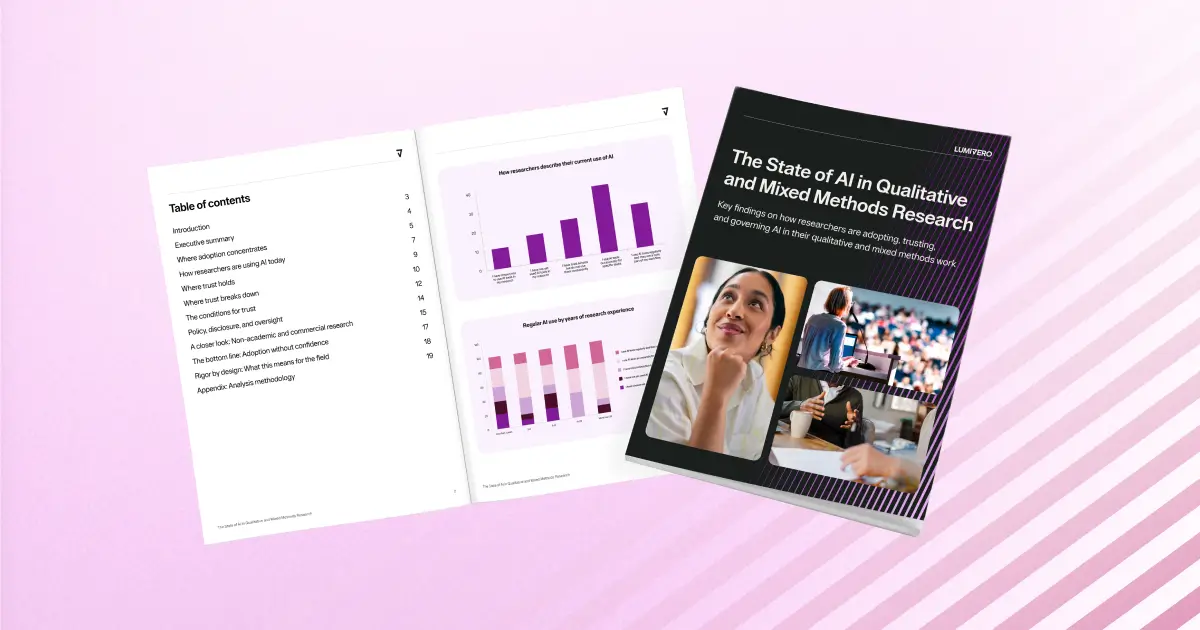
The State of AI in Qualitative and Mixed Methods Research
Discover key findings on how researchers are adopting, trusting, and governing AI in their qualitative and mixed methods work.
Download report →Where the AURA fits in
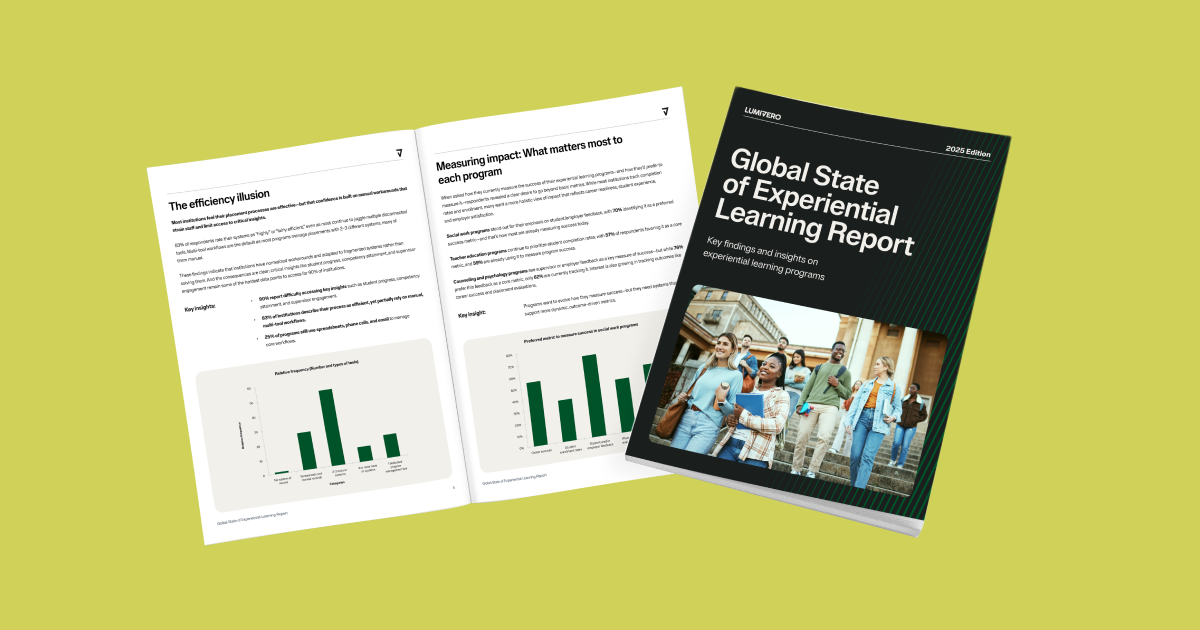
AURA, NVivo AI Cloud's AI-powered Unified Research Assistant, helps out at several points along the way. It shows up most during familiarization, coding, and theme refinement:
- Read and summarize a document during import, to help you get oriented quickly during familiarization
- Identify topics across your corpus with the supporting evidence attached, then auto-code against the topics you confirm during coding, or ask it to suggest child codes scoped to a specific parent code as your categories develop
- Answer grounded questions about your project through AURA Chat, with click-through citations back to source, during refinement—including a Devil's Advocate mode that surfaces disconfirming evidence
A few things worth knowing: every AI-suggested code, topic, and summary can be reviewed, confirmed, or rejected before it becomes part of your project, and a full, exportable audit trail—with AI-prompt inspection and AI/human attribution—records exactly who, or what, made each analytic decision.
Elevate your thematic analysis with NVivo AI Cloud
If you're ready to take your qualitative research to the next level, NVivo AI Cloud is your go-to tool for powerful, efficient thematic analysis. It helps you organize, code, and interpret large volumes of unstructured data—so you can move from raw transcripts to meaningful patterns with clarity and confidence.
FAQs about thematic analysis in NVivo
NVivo AI Cloud, NVivo Desktop, and ATLAS.ti are all part of Lumivero's portfolio and rank among the most trusted platforms for thematic analysis, though they suit slightly different workflows. NVivo AI Cloud pairs agentic AI workflows—topic identification with evidence, auto-coding, a full audit trail—with the methodology researchers already trust from NVivo, making it a strong fit for projects that need to hold up to committee or peer review from the outset. NVivo Desktop is built for structured, systematic analysis—cases, queries, and Framework Matrices make it a strong fit for larger or more formal projects—while ATLAS.ti favors flexible, exploratory analysis with network visualization for mapping ideas as they emerge. All let you code data, organize it into themes, and interpret findings efficiently.
AURA combines discrete actions—summarizing a document, identifying topics with evidence, suggesting child codes—with AURA Chat, a grounded conversational assistant you can ask questions of directly. Every suggestion can be reviewed, confirmed, or rejected, and a full audit trail records every AI and human decision.
Yes—and NVivo AI Cloud has a feature built specifically for this: Analyse with AURA reads a focus group transcript and automatically creates a case for each speaker, correctly excluding the moderator from the analysis so their turns don't skew results. That gives you data organized by participant from the start, ready to compare shared views, disagreements, and patterns.
Recent articles



How can we help you? Contact us.