









Key takeaways
@RISK Agent is a new AI-powered connector—now available in beta—that embeds AI (Anthropic Claude) directly into the @RISK Excel environment, combining AI-driven speed with @RISK's proven Monte Carlo simulation engine. Unlike using a generic AI tool alone for simulation, @RISK Agent grounds every AI interaction in statistically sound, auditable model data through Lumivero's proprietary MCP layer. Available to @RISK customers today, @RISK Agent enables analysts to review models, interpret simulation results, and generate executive-ready reports—without leaving Excel or compromising accuracy.
Risk analysts are under more pressure than ever to deliver insights at the pace the business demands—and AI tools have potential to accelerate analysis. But in risk analysis, finding the right balance between speed and rigor is critical—without it, you can end up going in the wrong direction entirely.
You may have seen what happens when you ask a general-purpose AI to run a Monte Carlo simulation. You burn through tokens, re-prompt multiple times, and still end up with an answer you can't defend. Without proper distribution modeling, correlation handling, and a validated simulation engine behind it, the results lack the statistical rigor and auditability that high-stakes decisions require. That's the gap @RISK Agent is built to close. By grounding AI outputs in validated Monte Carlo risk analysis software, @RISK Agent helps analysts move faster without losing the statistical rigor needed for confident decision-making.
@RISK customers can now access the beta connection that brings AI into @RISK—so insights are not just fast, but accurate, auditable, and decision-ready.
What is @RISK Agent?
@RISK Agent is a new AI connection that links your existing @RISK Excel environment with your organization’s AI (Anthropic Claude). It operates through Lumivero's proprietary Model Context Protocol (MCP) layer, which reads and structures your @RISK model context—distributions, correlations, inputs, outputs—and securely delivers only what is needed for AI analysis, based on what your organization has already agreed to share when using Claude. The MCP does not use or share any additional information beyond what Claude could access alone within your organization's configuration.
The result: AI that works with your @RISK model, not around it.
Why @RISK Agent outperforms AI alone
AI speed + @RISK certainty
AI accelerates the parts of risk analysis that have always slowed teams down—model review, results interpretation, and report generation. @RISK Agent brings that speed to your workflow while ensuring the underlying simulation remains statistically sound, auditable, and defensible. The Monte Carlo engine doesn't change. The rigor doesn't change. The time it takes to go from simulation to stakeholder-ready insight does.
Embedded, not external
@RISK Agent lives inside Excel and @RISK—there is no context switching, no copy-pasting results into a separate AI tool, and no risk of working from disconnected or stale data. Ask questions in natural language, get instant interpretation of your simulation results, and refine your models iteratively, all without leaving the environment your team already works in.
Trusted, governed intelligence
The MCP layer is what separates @RISK Agent from plugging a generic AI into a spreadsheet. It controls exactly what is shared with the AI model—based on what your organization has already agreed to share when using Claude—preserves the integrity of your @RISK simulation data, and ties every AI-generated insight back to the underlying model and its results. Every output is traceable and defensible—requirements that aren't optional in enterprise risk environments.
AI alone is not enough
This is worth being direct about: you can ask a general-purpose AI to run a Monte Carlo simulation, and it will produce an answer. But AI tools without a proper simulation engine lack distribution modeling depth, correlation handling, and the auditability that risk decisions require. The accuracy rate is simply not acceptable when the output informs capital allocation, project contingency, or portfolio risk strategy. @RISK Agent ensures AI is grounded in proven risk analysis—turning fast outputs into trusted, decision-ready insights.
Want to get the most out of AI in your risk workflow? Read our guide, “How to use AI with Monte Carlo, prompt engineering, and risk tools.”
What you can do with @RISK Agent
@RISK customers can access the following capabilities at no additional cost (you provide your own LLM):
- Model review & AI suggestions — Identify errors and gaps before simulation with expert AI guidance embedded in your workflow
- Natural language Q&A — Ask questions about your model and results and get expert answers instantly
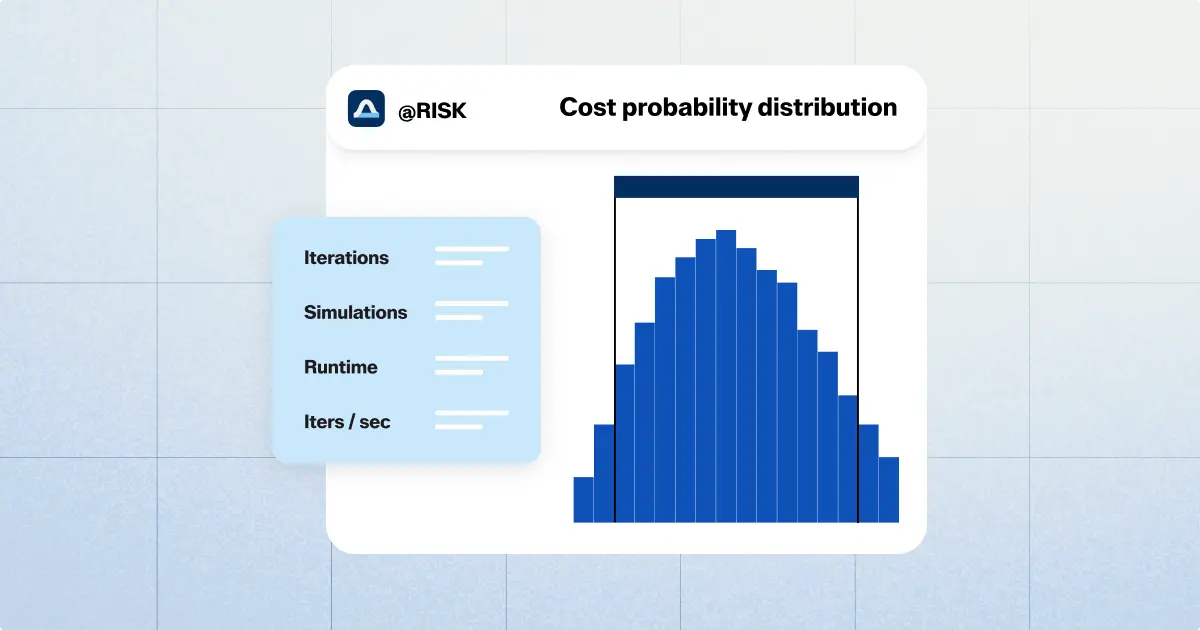
- Simulation interpretation — Turn complex Monte Carlo outputs into clear, actionable insights
- Iterative model refinement — Improve model quality with guided, iterative feedback
- Interpret results into natural language — Pull clear, copy-ready insights directly into your reports, faster than ever
By standardizing risk modelling in Excel, the agent bridges the gap between rapid statistical scaffolding and transparent stakeholder presentation.
@RISK Agent is live
Get up and running with @RISK Agent today. Connect Claude for Excel to the industry-leading Monte Carlo simulation engine and start getting AI-powered risk insights—without leaving Excel or sacrificing accuracy.
Already an @RISK customer? You're all set—@RISK Agent is available to you today at no additional cost.