



Blogs
Explore insights, tips, and industry trends

Case studies
See how organizations achieve real results

eBooks and reports
Access in-depth research and expert analysis

Research
Discover original research and data-driven insights

Webinars
Join live and on-demand sessions with experts

Whitepapers
Access research and expert analysis

Academy
Build skills with structured courses and training

Certified trainers
Get expert training from certified professionals

International partners
Connect with trusted partners around the world

Knowledge center
Find guides, tutorials, and product documentation




NVivo Desktop | Qualitative data analysis software
Ask more from your data with the depth and power of NVivo
(Scopus Database, 2010-2025)
Trusted by researchers around the globe












NVivo AI Cloud is here
See deeper patterns. Publish with confidence. Available now for individual researchers.
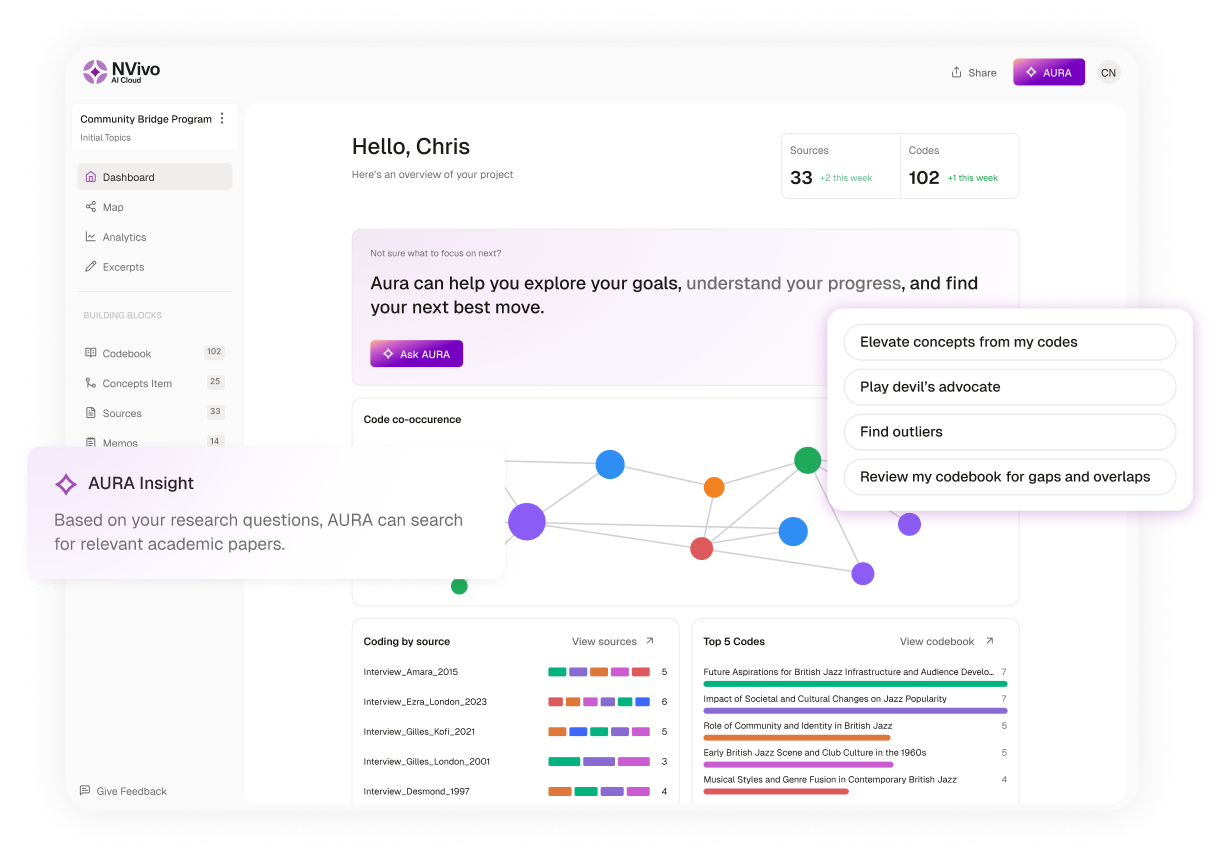
Everything you need for in-depth qualitative analysis
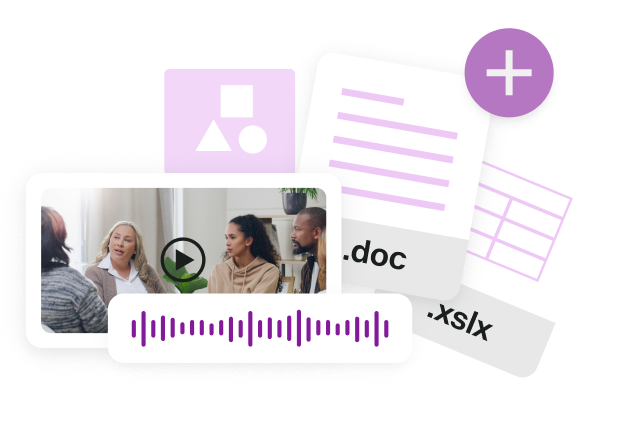
Bring all your data together
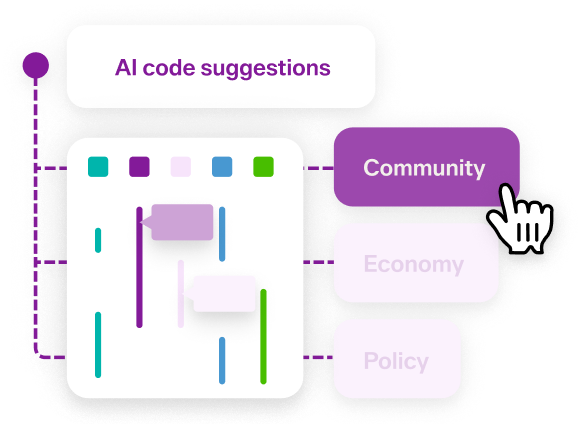
Build an analytical foundation
Query and compare your data
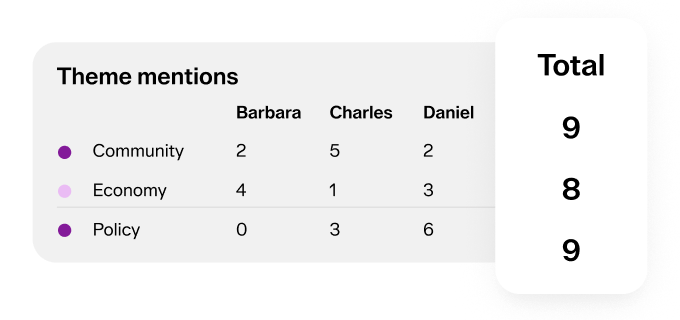
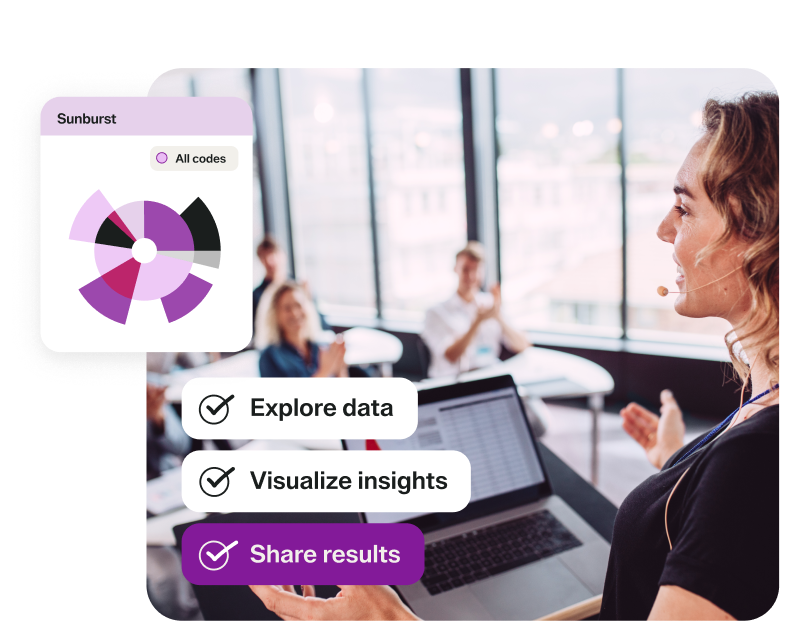
Visualize and communicate meaning
QDA software built for modern research

Research-ready transcripts

Flexible team collaboration

Streamlined integrations

Quantifiable insights

Cases and attributes

Advanced queries and matrices
Choose the NVivo experience that fits how you research



The global standard for qualitative and mixed-methods research

30+ years of innovation
NVivo has supported qualitative researchers for more than three decades.
Most cited QDA software
Widely used in academic publications across disciplines.
Top-rated on G2
Recognized by researchers, students, and institutions for its flexibility and robust analysis capabilities.
See why leading organizations choose NVivo
- “In our work, we found that NVivo significantly aided in analyzing and interpreting data efficiently, especially with teams spread across different geographies and time zones. It was invaluable in deciphering themes and identifying trends and patterns, which helped us develop actionable insights.”
- “Tools like NVivo have allowed us to support decision makers in the healthcare systems with the objective evidence of what works’ and ‘what can be made to work.’ We can be confident that it’s through a thorough analysis of all the data that has been collected in a timely and relevant way.”
- “NVivo has been a game-changer for my qualitative research work. It provides a seamless way to organize, analyze, and visualize
complex data. I especially liked the ability to generate word clouds, perform perceptual mapping, create hierarchy charts, and run
cluster analysis, which made my findings more insightful and visually engaging. Overall, it significantly enhanced the depth and
clarity of my research outcomes.”
- “Tools like NVivo have allowed us to support decision makers in the healthcare systems with the objective evidence of
‘what works’ and ‘what can be made to work.’ We can be confident that it’s through a thorough analysis of all the data that has
been collected in a timely and relevant way.”
Advance your research practice
Explore articles, tutorials, and webinars on emerging topics, best practices, and practical NVivo techniques.

NVivo blog

NVivo Webinars

NVivo Learning Hub
Discover NVivo solutions for organizations
Connect with our team to explore licensing options for departments, institutions, and organizations using NVivo at scale.
Looking for 10 licenses or fewer?
Purchase NVivo directly through our online store for immediate, self-service access.
Frequently asked questions
NVivo Desktop is Lumivero’s established qualitative data analysis software for researchers conducting qualitative and mixed-methods research. It helps researchers organize, code, query, compare, visualize, and interpret interviews, surveys, documents, audio, video, and other qualitative data.
NVivo Desktop helps researchers analyze textual, survey, audio, video, and other qualitative data. You can:
- Organize and code multiple data sources in one project.
- Build and refine coding frameworks.
- Create cases and attributes for comparisons.
- Run queries and matrices to explore patterns and relationships.
- Add memos, annotations, and interpretations throughout your analysis.
- Analyze mixed-methods data.
- Create maps, charts, and other visualizations.
NVivo Desktop is designed for students, individual researchers, academic teams, and organizations conducting qualitative or mixed-methods research. It is particularly useful for researchers working with complex datasets, detailed coding structures, advanced queries, multimedia sources, or established qualitative analysis workflows.
No. NVivo Desktop does not include AI features. It is designed for researchers who want a researcher-led, desktop-based qualitative analysis experience with established tools for coding, querying, comparing, visualizing, and interpreting their data. If you’re looking for AI-powered research workflows, explore NVivo AI Cloud, Lumivero’s AI-native, cloud-based research environment that pairs agentic AI workflows with the qualitative research methodology researchers trust from NVivo.
Yes. NVivo Desktop is available for both Windows and Mac.
Some features and functionality may differ between operating systems, so researchers should review the current system requirements and feature availability when choosing the version that best fits their workflow.
NVivo Desktop is a professional research tool, so there can be a learning curve as you become familiar with its coding, querying, case, and analysis workflows.
Most researchers can begin with core tasks such as importing data, creating codes, and running basic queries, then explore more advanced capabilities as their research requires them. Tutorials, webinars, and other learning resources are available to help you get started.
Yes. NVivo Desktop includes guided tutorials, and Lumivero offers getting-started guides, on-demand videos, live webinars, and other learning resources to help researchers build confidence with the software.
Researchers can also connect with the NVivo community to learn from other users and share research workflows.
NVivo Desktop can support a wide range of qualitative and mixed-method approaches, including:
- Thematic analysis
- Grounded theory
- Phenomenology
- Case study research
- Discourse analysis
- Narrative analysis
- Mixed methods research
- Content analysis
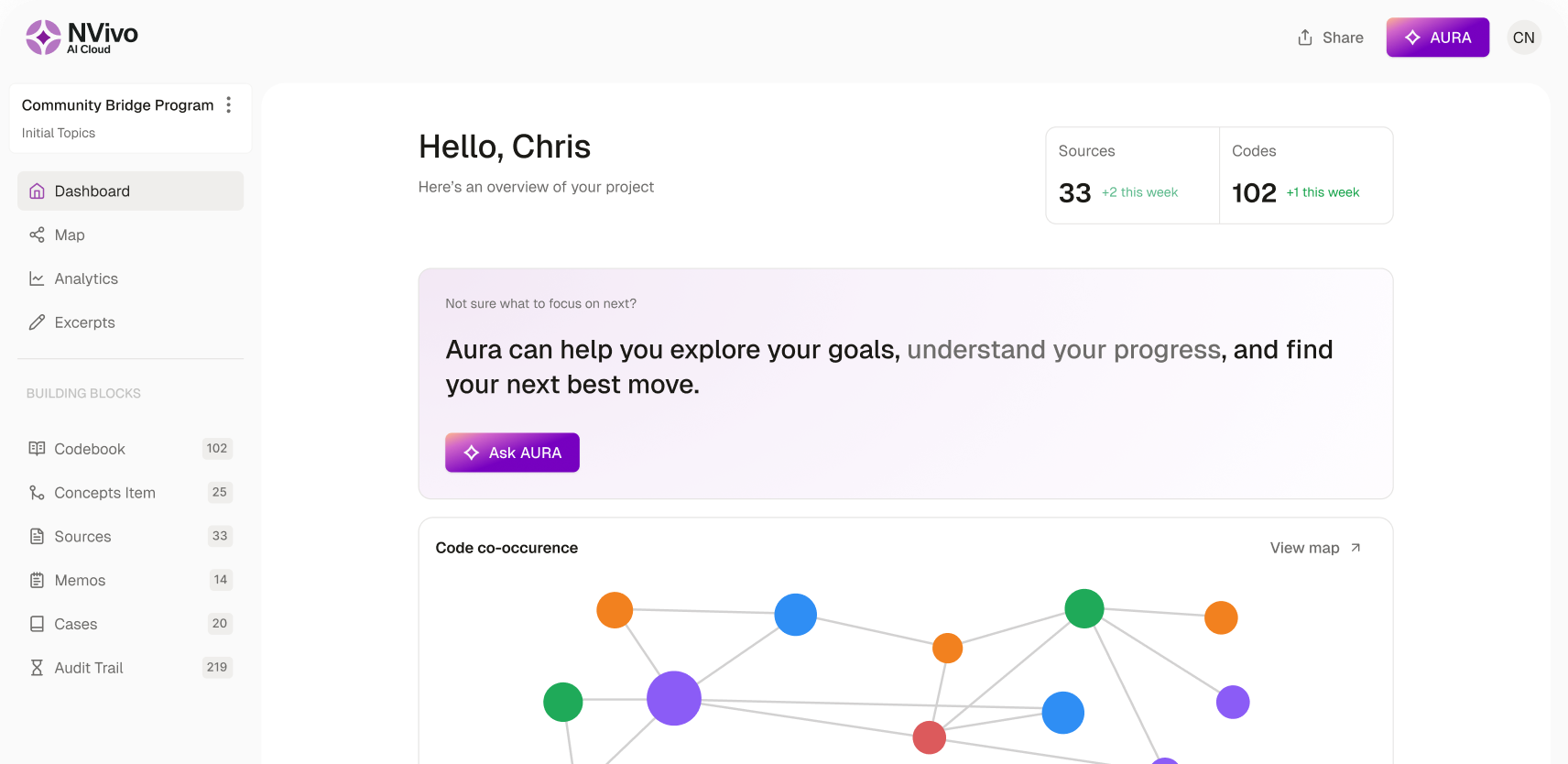
NVivo AI Cloud is here
See deeper patterns. Publish with confidence. Available now for individual researchers.

How can we help you? Contact us.