Request demo
Buy now

Mixed methods research software

Combine qualitative and quantitative analysis with NVivo and XLSTAT
Mixed Methods Research Software@x2

Trusted by researchers around the globe

Connect qualitative insight with statistical analysis

Organize and code qualitative data 

Import interview transcripts, survey responses, articles, field notes, and multimedia sources into NVivo. Use coding and AI-assisted analysis to identify themes, organize qualitative findings, and structure research data alongside participant and demographic attributes.

Explore patterns across themes, cases, and variables 

Analyze how themes vary across participant groups and research variables using queries, matrices, visualizations, and mixed methods analysis tools within NVivo.

Extend analysis with advanced statistical methods in XLSTAT 

Export structured research data into XLSTAT for deeper statistical analysis using methods such as regression, cross-tabulation, factor analysis, and ANOVA.

Purpose-built software for both sides of mixed methods research 

Lumivero is the only research software ecosystem with dedicated tools for both qualitative and quantitative analysis. Researchers can code and structure qualitative findings in NVivo, then further validate patterns statistically in XLSTAT using regression, cross-tabulation, factor analysis, and other analytical methods.

Purpose-built software for both sides of mixed methods research

How each tool works with in mixed methods research 


What it is
Qualitative and mixed methods analysis software
Statistical analysis software for Excel
Data types supported
Interviews, focus groups, surveys, documents, PDFs, images, audio, video, social media data, spreadsheets, and survey datasets
Excel spreadsheets, CSV files, survey data, and NVivo exports including framework matrices, coding summaries, and query outputs
Core analysis capabilities
Code and organize qualitative data, identify themes, compare findings across groups, run queries, and structure mixed methods workflows
Perform statistical analysis, modeling, forecasting, clustering, machine learning, and data visualization within Excel
Mixed methods capabilities
Supports framework matrices, crosstab analysis, code frequency analysis, descriptive statistics, and exports into XLSTAT, Excel, and more for extended statistical analysis workflows
Supports quantitative analysis within mixed methods studies, including descriptive statistics, regression, ANOVA, factor analysis, clustering, forecasting, predictive modeling, and analysis of coded data exported from qualitative software
AI capabilities
AI-assisted coding, summarization, and sentiment analysis through AI Assistant
Automated statistical test recommendations and AI-assisted statistical workflows
Outputs & reporting
Generate framework matrices, charts, hierarchy charts, concept maps, coding summaries, word clouds, and exports for reporting and publication workflows
Create statistical reports, forecasts, visualizations, and publication-ready outputs for Excel, Word, and PowerPoint

Mixed methods research software trusted across disciplines 

first aid

Health sciences 

Analyze patient interviews and clinical feedback alongside demographic or treatment data to support evidence-based healthcare research.

academy

Education research 

Combine classroom observations, student interviews, and survey responses with academic performance and institutional data.

certified trainers

Social sciences 

Study social behavior and public attitudes using qualitative coding alongside statistical analysis of large research datasets.

trust

Business research 

Connect customer interviews and employee feedback with survey and operational data to support strategic business decisions.

Get the most out of mixed methods research software 

Blog post featured image Mixed methods research: Definition, types, benefits, and challenges
Learn what mixed methods research is, how to combine qualitative and quantitative methods in one study, the common design types, plus key benefits and challenges.
Read more
Blog post featured image 5 ways to maximize insights and efficiency in mixed methods research
Discover how NVivo and XLSTAT help researchers design intentional mixed methods studies, integrate qualitative and quantitative data, and uncover richer insights.
Read more
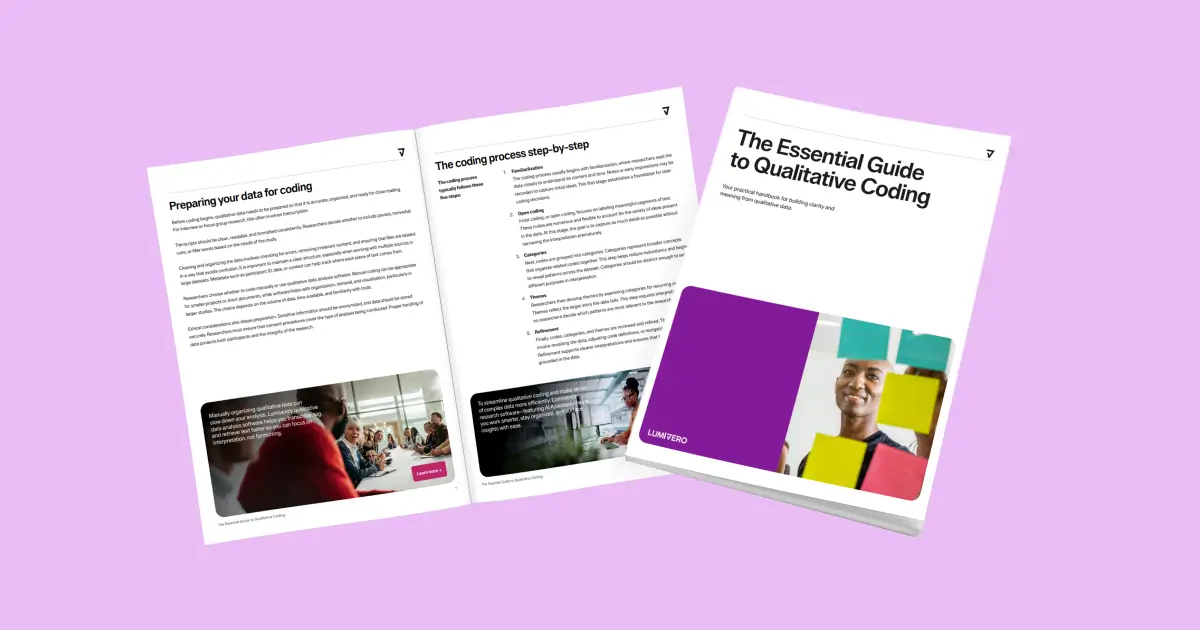
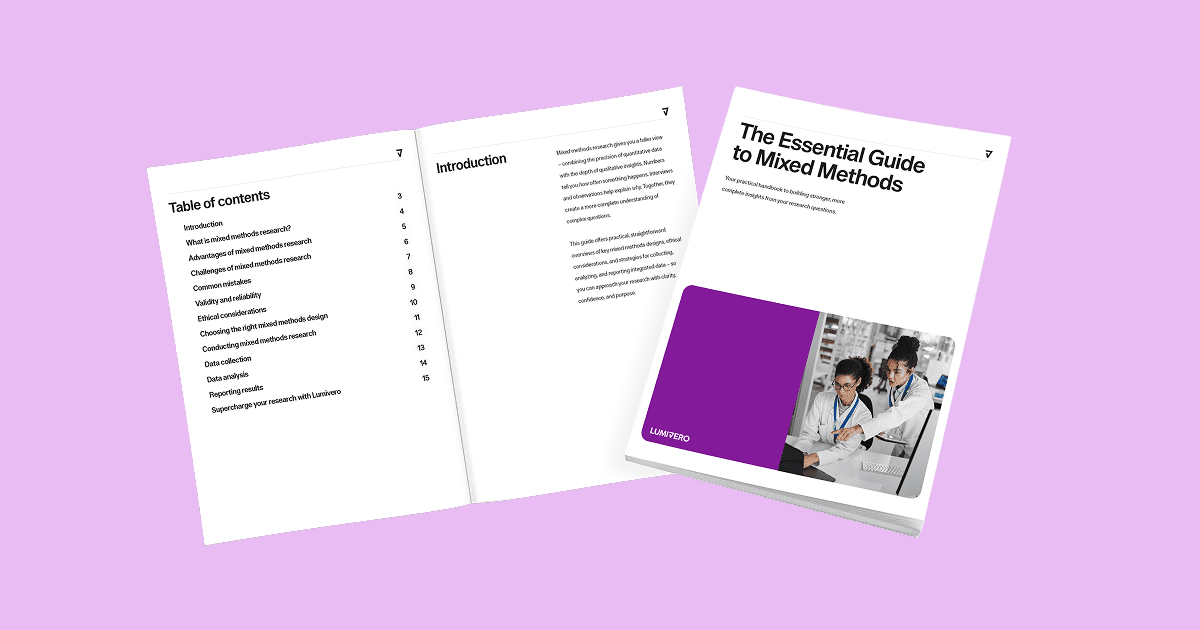
Blog post featured image The Essential Guide to Mixed Methods
Download your practical handbook to building stronger, more complete insights from your research questions.
Download now

Get started with mixed methods research software 

Conduct mixed methods research with NVivo and XLSTAT—or talk to our team about the right fit for your research workflow.

Mixed methods research FAQs

What software is used for mixed methods research?

The most widely used mixed methods research software tools are NVivo, MAXQDA, ATLAS.ti, and Dedoose for qualitative analysis, and SPSS, R, and XLSTAT for quantitative analysis. Lumivero offers NVivo and XLSTAT as a complementary suite—purpose-built qualitative and quantitative tools that work together within the same software ecosystem.

Is NVivo good for mixed methods research?

Yes. NVivo supports mixed methods research by allowing researchers to analyze qualitative data alongside structured quantitative and demographic data within the same project. Researchers can import structured data files, including Excel, CSV, and SPSS files, alongside interviews, documents, surveys, and multimedia sources.

NVivo also supports framework matrices, crosstab analysis, code frequency analysis, descriptive statistics, and case classifications to help researchers compare qualitative themes across participant groups, survey responses, and demographic data within a single analysis environment.

Can NVivo and XLSTAT be used together?

Yes. NVivo and XLSTAT are designed to complement each other in a mixed methods workflow. Researchers can organize, code, and analyze qualitative data in NVivo, then export structured outputs and datasets into XLSTAT for deeper statistical analysis and modeling. Together, the tools help researchers connect qualitative insights with quantitative analysis within a single research workflow.

Do I need a separate license for NVivo and XLSTAT?

Yes, NVivo and XLSTAT are separate products with separate licenses. Both are available to purchase individually. For teams or institutions, Lumivero offers volume licensing—contact our sales team for a quote tailored to your organization's needs.

What types of data can NVivo analyze for mixed methods research?

NVivo supports a wide range of qualitative and mixed methods research data, including interview transcripts, focus group discussions, open-ended survey responses, documents, PDFs, images, audio, video, spreadsheets, and structured survey data. Researchers can also import demographic and quantitative data from Excel, CSV, and SPSS files to support mixed methods analysis within the same project.

Which Lumivero product is best for quantitative data analysis?

XLSTAT is Lumivero's dedicated quantitative analysis platform. It runs as an add-in within Microsoft Excel and supports regression, ANOVA, factor analysis, survival analysis, and more. For researchers running a mixed methods study, XLSTAT handles the statistical side while NVivo or ATLAS.ti handles qualitative coding and analysis.

How can we help you? Contact us.

magnifier linkedin facebook pinterest youtube rss twitter instagram facebook-blank rss-blank linkedin-blank pinterest youtube twitter instagram