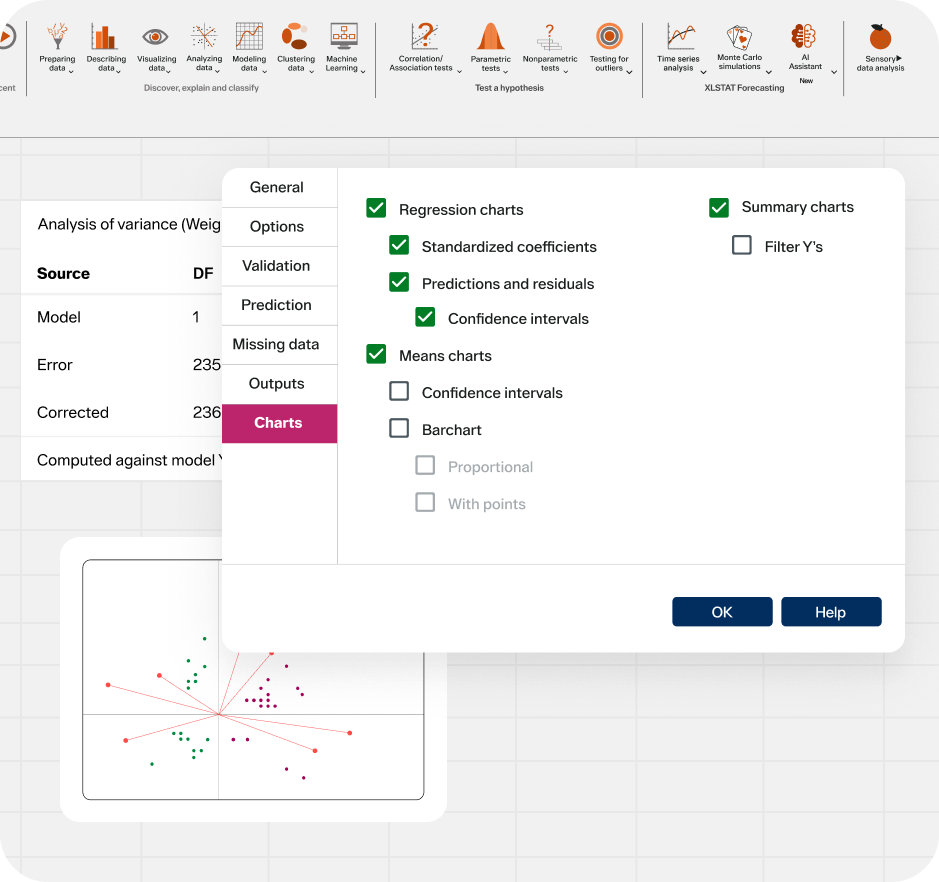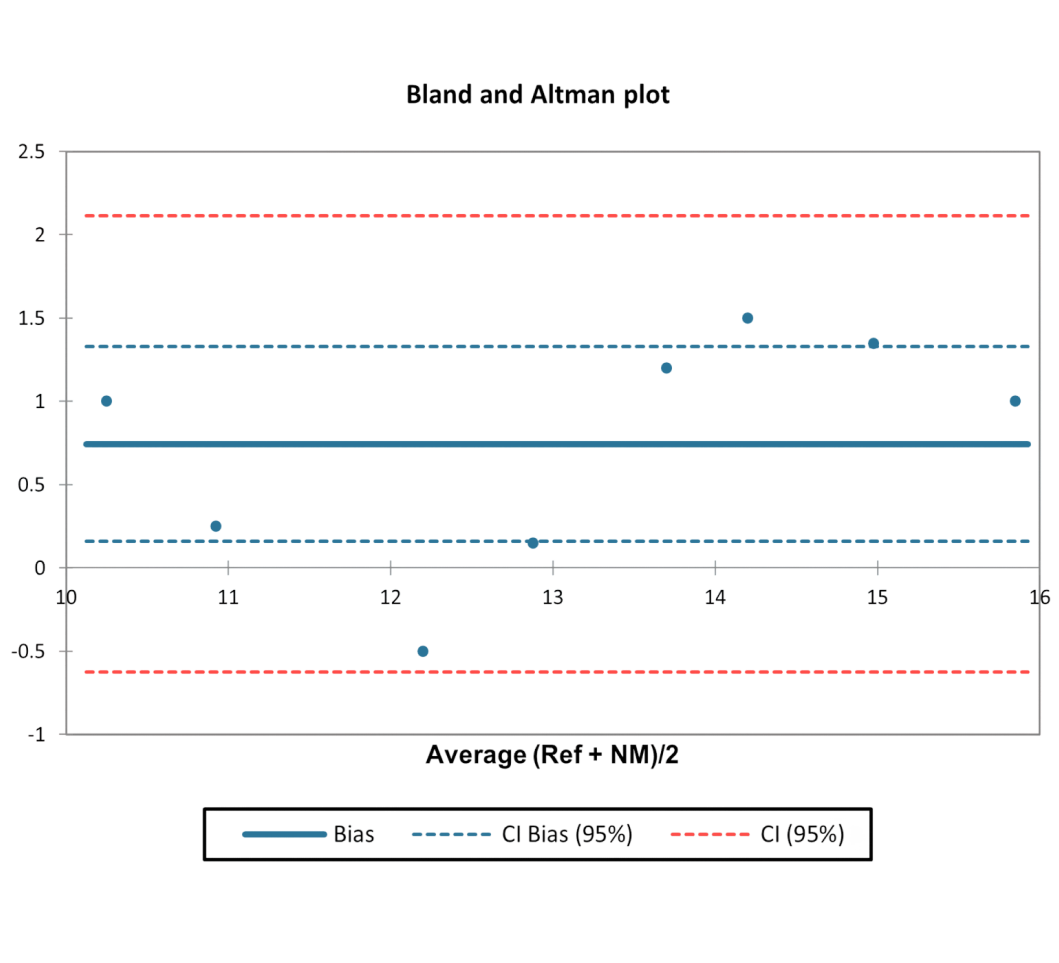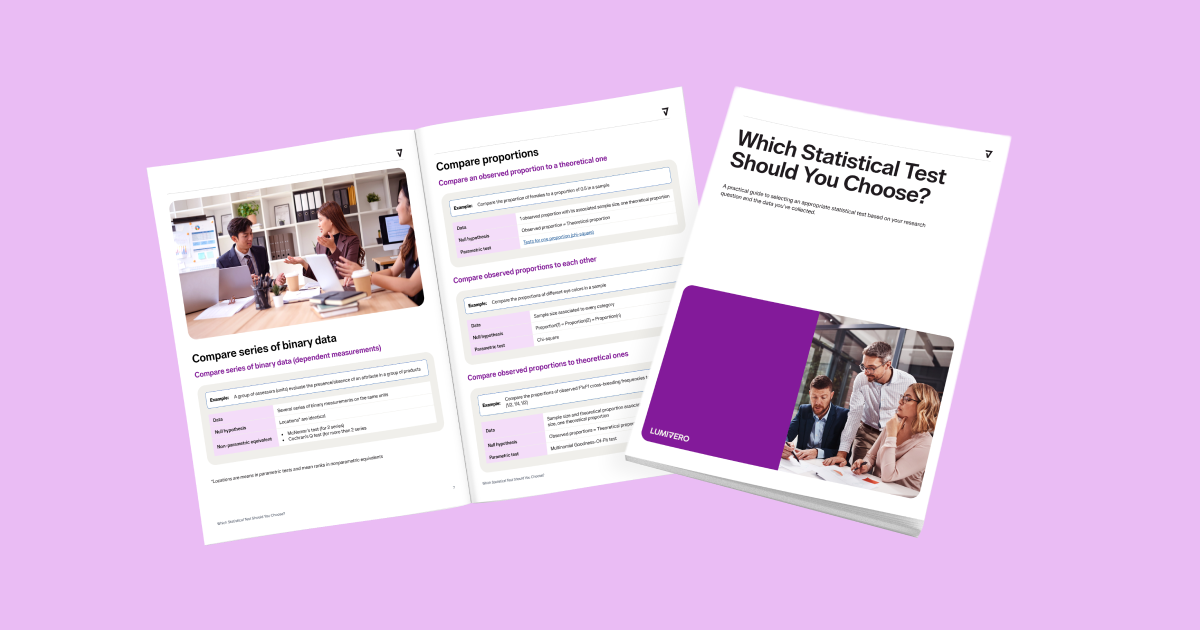
Simplify data analysis with point-and-click tools in Excel — letting users at any skill level perform complex analysis.
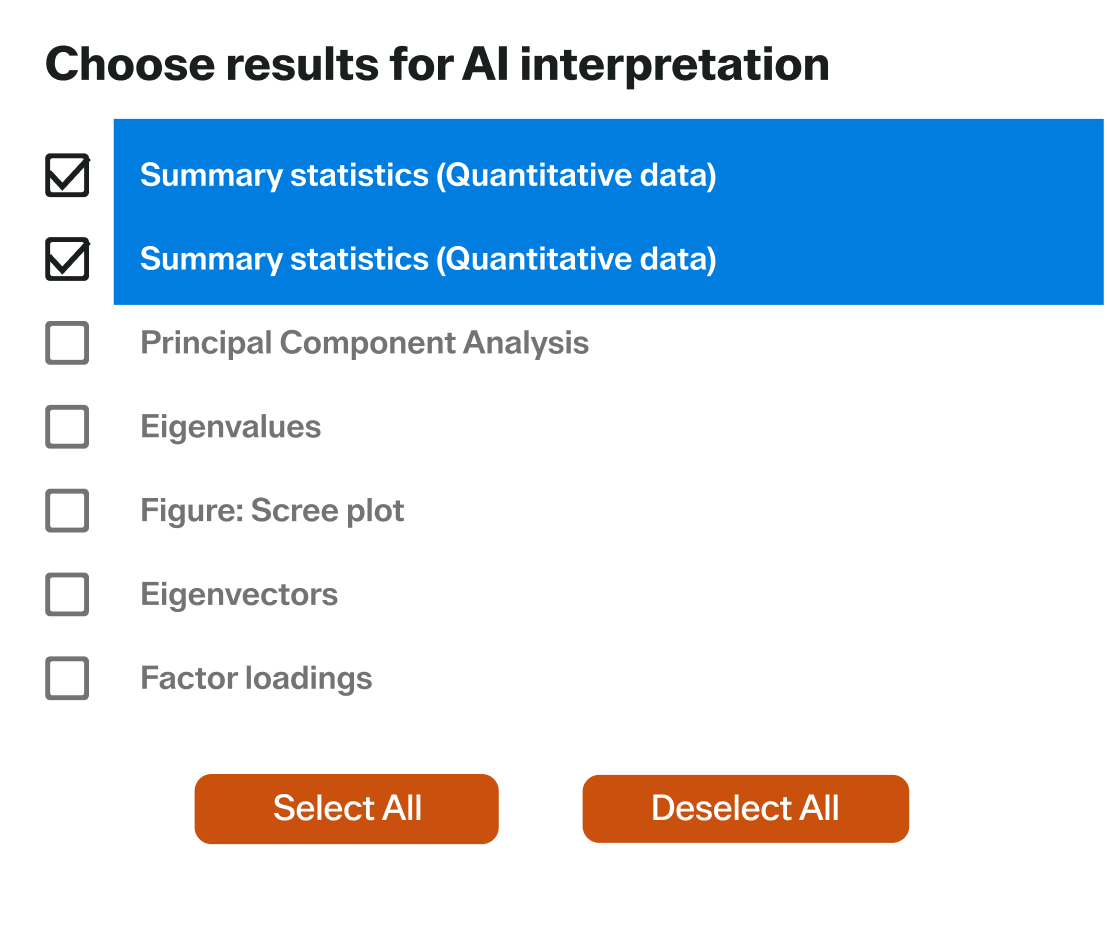
Leverage AI-powered insights, in-app guidance, and built-in demos to select the right tools, avoid errors, and build confidence.
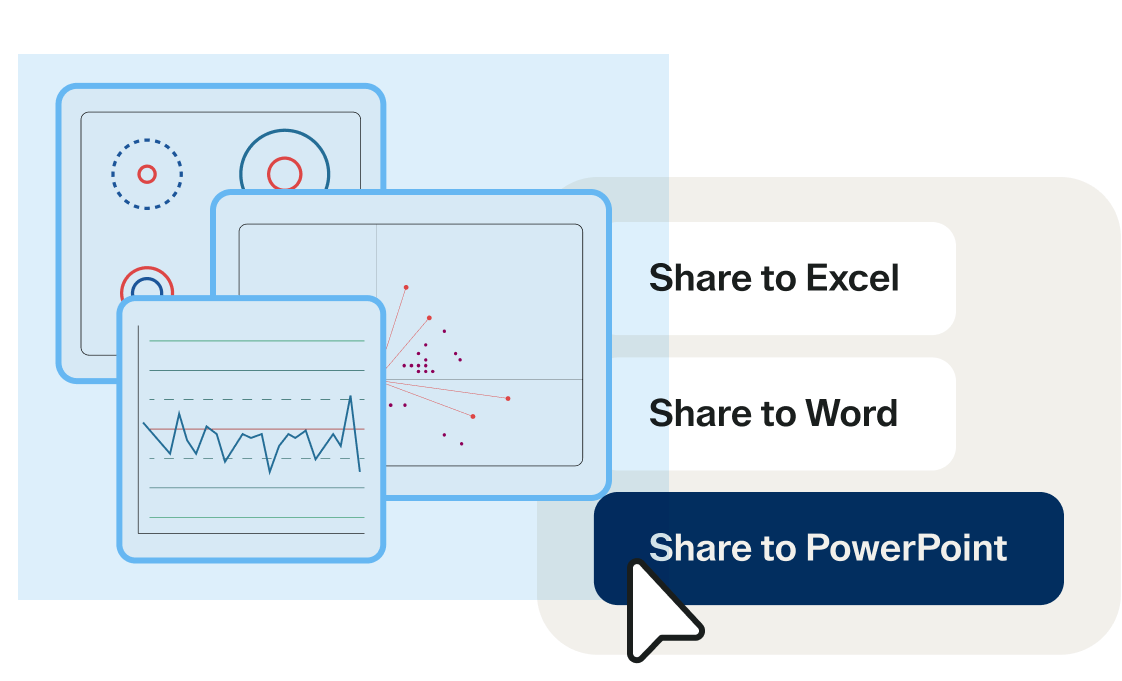
Automate workflows, reuse analyses, and deliver one-click reports — saving time and accelerating repeated tasks by 50%.


Data preparation

Data visualization

Descriptive statistics

Exploratory data analysis
Data modeling

Clustering

Quality control


All Essentials features, plus:

Machine learning

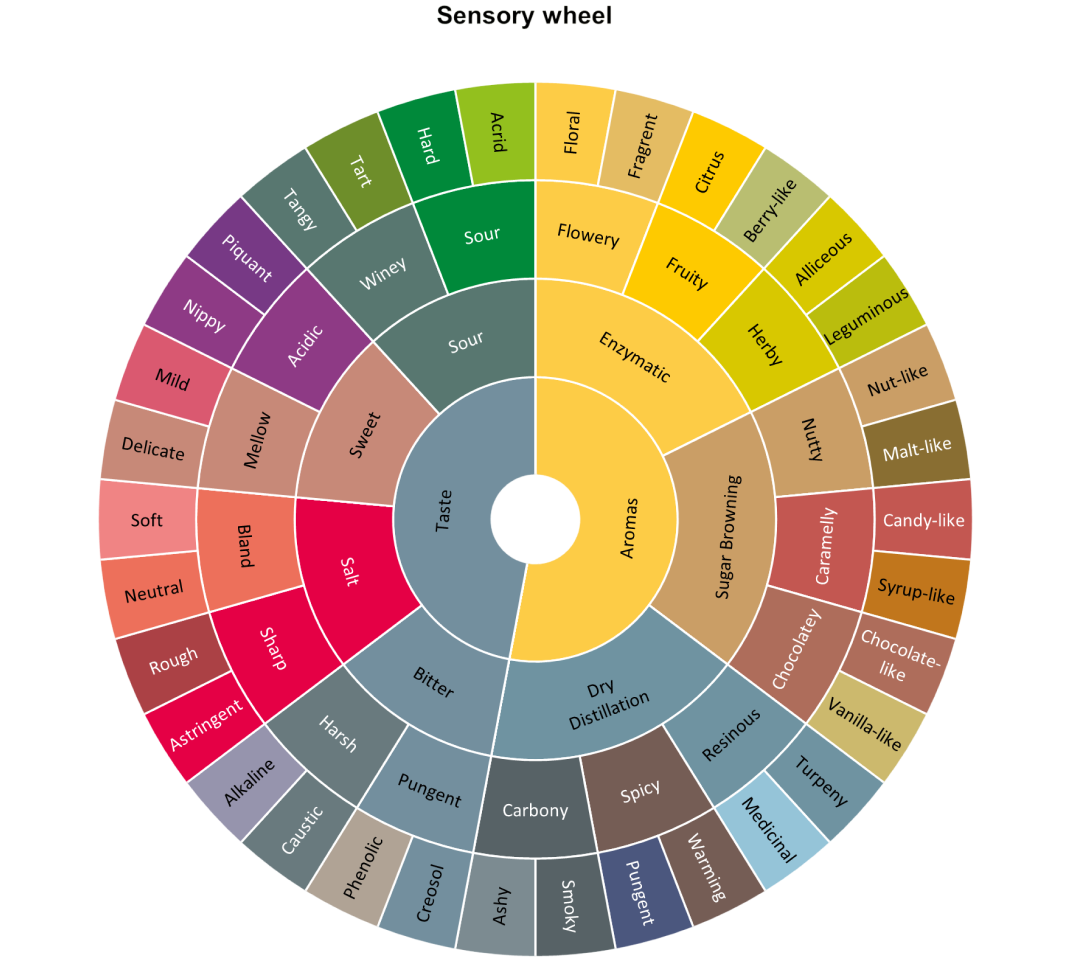
Sensory data analysis

Text mining

Bayesian networks

Marketing tool

Path modeling


All Standard features, plus:

AI Assistant

Dataviz tool

Workflow automation

XLSTAT-R

Time series analysis

Lab & pharma tools
XLSTAT is one of the top-rated statistical analysis software solutions, trusted by over 150,000 users worldwide. It combines powerful analysis tools with the familiar Excel interface — making advanced statistics accessible to everyone, at a competitive rate.
Statistical analysis software enables you to analyze complex data, uncover patterns, and generate insights using statistical methods. With XLSTAT, you can perform everything from descriptive statistics and regression to machine learning, time series forecasting, and life science analytics — all within Excel.
XLSTAT is used for statistical analysis in business, academic research, healthcare, engineering, life sciences, market research, and more. It's ideal for users who want the power of a statistical program combined with the ease of use of Excel.
Yes. XLSTAT works with both Windows and Mac versions of Microsoft Excel.
XLSTAT runs one proportion and two proportion tests, independent samples tests, t-tests and z-tests, variance tests, paired samples tests, and equivalence testing, just to name a few – all with no coding required and easy data preparation and processing.
Yes, you can download our 14-day free trial from our website. The trial version gives full access to the XLSTAT Advanced solution.
Yes. XLSTAT offers discounted rates for academic users. Contact us to learn more about our flexible licensing for educational institutions.
Yes. XLSTAT can load and analyze data that exceeds Excel’s native size limits using its advanced import wizard. For optimal performance on large datasets, we recommend using the 64-bit version of Microsoft Office.
Yes. XLSTAT integrates seamlessly with R — allowing advanced users to combine the flexibility of R with XLSTAT’s intuitive Excel interface.
XLSTAT stands out from alternative statistical software by offering a more comprehensive and cost-effective statistical analysis solution with native Excel integration. It offers an AI-powered statistical assistant and specialized sensory analysis modules, which many competitors lack. Designed for flexibility across industries, XLSTAT enables users to perform powerful statistical and data analysis directly within Excel — making it an ideal choice for businesses, researchers, and analysts seeking an accessible and feature-rich alternative to traditional software.
Download the trial version or purchase a license (you'll receive an email with the installation link). Run the installation file. When the wizard finishes, choose to launch XLSTAT immediately to ensure proper integration with Microsoft Excel. XLSTAT will be automatically added as a separate tab to your Excel ribbon.
Yes. XLSTAT stores users’ data and analysis results locally within Excel on their own machines, ensuring that sensitive information remains private and secure without being transmitted externally.

Join 150,000+ users worldwide who trust XLSTAT for fast, accessible, and advanced statistical analysis. Whether you're an analyst, educator, researcher, or consultant, XLSTAT helps you turn complex data into decisions — with powerful tools, intuitive workflows, and results you can trust.