










Key takeaways
NVivo's latest release introduces meaningful upgrades across the research workflow—from AI-assisted coding and summarization that accelerate early-stage analysis, to cross-platform sentiment analysis and deeper mixed-methods integration with XLSTAT and Citavi. Together, these updates help researchers spend less time on repetitive tasks and more time on the interpretation and synthesis that drive rigorous, publishable work.
Qualitative research projects have a way of growing fast. What starts as a handful of interview transcripts can quickly become hundreds of documents, survey responses, and media files—each demanding careful reading, coding, and interpretation. If your tools haven't kept pace, you may be working harder than you need to.
NVivo now includes new AI-powered features, stronger mixed-methods capabilities, and better platform parity between Mac and Windows that you might not have explored yet. Whether you're running a small thesis project or coordinating a multi-site evaluation, these three updates stand out for the immediate difference they can make in your day-to-day research workflow.
1. Accelerate early-stage analysis with AI assistant
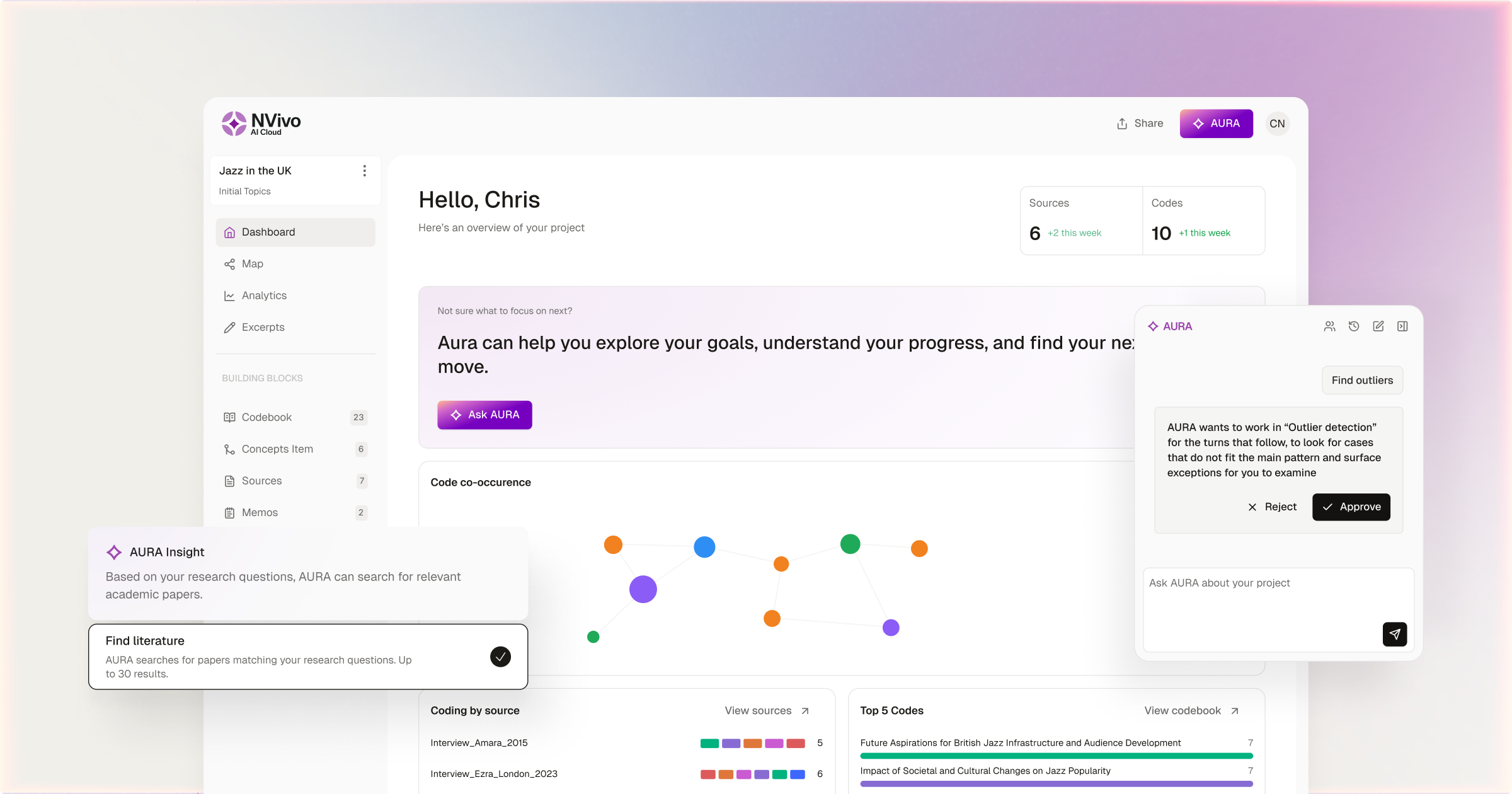
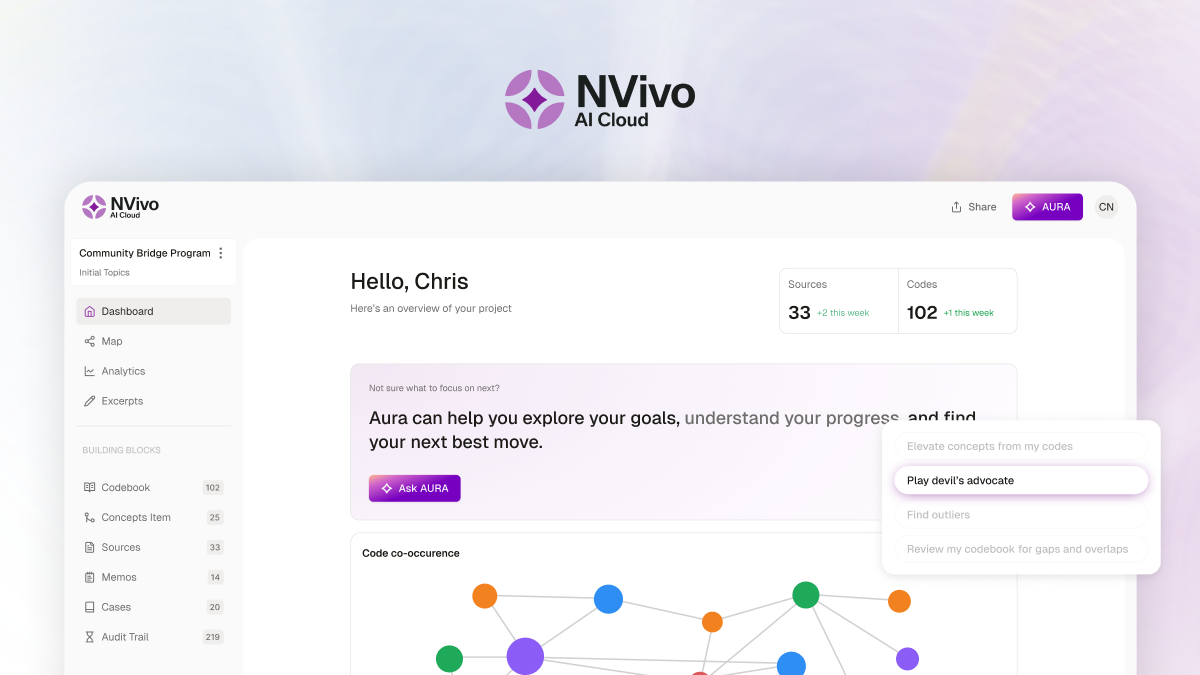
The opening phase of any qualitative project sets the tone for everything that follows: reading sources, writing memos, and building an initial coding structure. It's also where hours disappear fastest. The AI Assistant, built directly into NVivo, is designed to compress that early work without taking the researcher out of the driver's seat.
Summarize sources in seconds
Select any combination of documents, codes, cases, and cells in Framework matrices and generate summaries on demand——each source gets its own summary, created separately. Document-level summaries are saved as linked memos, while text-level summaries become annotations attached to the relevant passage. For teams working with multilingual data, summaries can be generated in the researcher's preferred language—so a French-language transcript can produce an English-language memo without leaving NVivo.
Let AI suggest child codes
After you complete a first pass of broad coding, the AI Assistant can propose more granular sub-codes based on the content already coded. From there, you review each suggestion and decide whether to accept, reject, or modify it. You also choose whether the assistant only suggests codes or applies them directly. A "Created by" column in list view marks any AI-generated codes, so your audit trail stays transparent.
Unpack unfamiliar terminology
Working with specialized or regionally specific language? Select the text and let NVivo explain the term. The explanation is saved as an annotation, keeping your interpretive notes alongside the data.
Beyond the AI Assistant, NVivo's machine-learning autocoding tools remain available for broader first-pass analysis, including sentiment analysis and pattern-based autocoding (which learns from your existing coding and extends it to uncoded material). Together, these features mean the labor-intensive early stages of a project can move considerably faster.
AI-powered capabilities in NVivo include:
- On-demand summarization of documents, codes, and cases—saved as linked memos or annotations
- AI-suggested child codes with full researcher review and a transparent audit trail
- Terminology explanations saved as annotations alongside your data
- Machine-learning autocoding for sentiment and pattern-based first-pass analysis
A note on data privacy: All information sent to the AI Assistant is deleted from servers once the task is complete. There is no data retention, and institutions that need tighter controls can disable AI features entirely at the admin level.
Analyze sentiment across platforms
Assessing the emotional tone of interview data, open-ended survey responses, or social media posts is a common research need—but doing it by hand across hundreds of sources is slow and inconsistent. NVivo's sentiment analysis automates the first pass, giving you a structured starting point that you can then refine.
In the latest version of NVivo, Mac users can now also use the Analyze Sentiment feature to automatically code content across the full sentiment spectrum. Cross-platform teams using both Windows and Mac can now run identical sentiment analyses regardless of operating system.
NVivo also extended sentiment support to the Import Dataset Assistant, which means researchers can apply sentiment analysis to open-ended survey responses at the point of data import. For survey-heavy projects where tone is a primary concern, this removes an extra step from the workflow entirely.
Key sentiment analysis capabilities in NVivo:
- Full Mac parity for cross-platform teams running identical analyses
- Sentiment at import via the Import Dataset Assistant for survey-heavy projects
- Chart visualizations for at-a-glance distribution of sentiment across sources
Connect qualitative insights with quantitative context
One of NVivo's most powerful—and sometimes underutilized—strengths is its ability to bring qualitative themes and quantitative structure together in a single environment.
Start with qualitative coding in NVivo
Every code tracks how many references it contains and across how many sources, so you can quantify themes ("the code 'trust' appeared 47 times across 12 interviews").
Cases and classifications let you attach demographic attributes to participants, enabling cross-group comparisons through matrix coding queries. These tools give qualitative findings a quantitative backbone that supports mixed-methods designs.
Take advantage of all of NVivo's analytical tools.
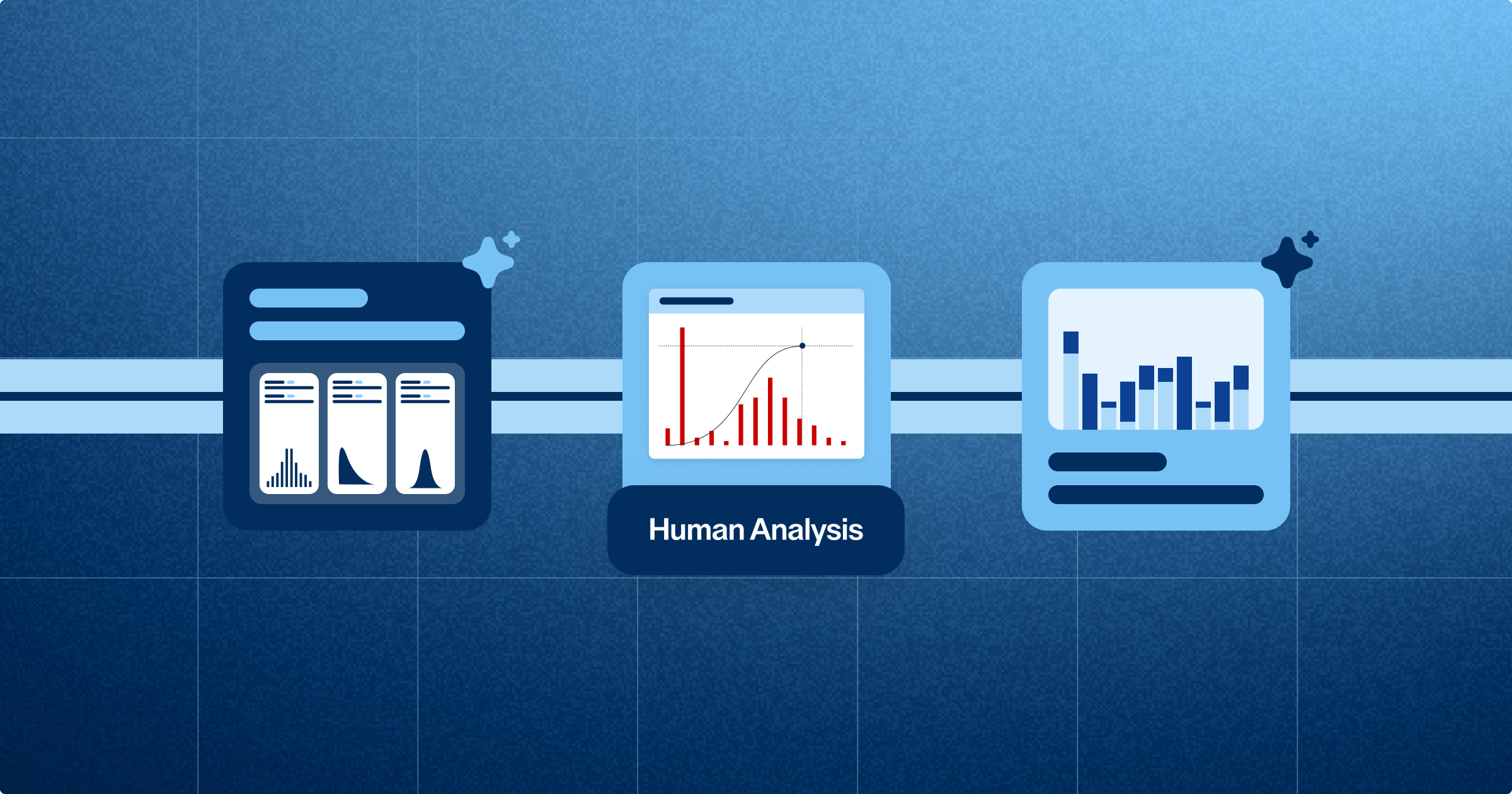
The Crosstab Query can display descriptive statistics including mean, median, quartiles, and standard deviation. The Box Plot tab visualizes variation and distribution across groups, making it straightforward to spot outliers and compare patterns at a glance.
Framework Matrices are now supported on both Mac and Windows. Researchers can create case-by-theme grids and generate AI-assisted summaries within each cell or write summaries manually while viewing coded text in a side-by-side preview. Principal component analysis (PCA) visualization condenses large sets of variables into components that reveal how participants cluster and how variables relate to one another.
When you need mixed methods analysis, export to Excel and XLSTAT.
NVivo has expanded .xlsx export across more areas of the application, including on Mac. A new option lets you export coding frequencies across cases or case types, producing a spreadsheet ready for deeper statistical work.
These exports open directly in XLSTAT, Lumivero's statistical analysis add-in for Excel, where you can run ANOVA, regression, clustering, and hypothesis testing with no coding required.
The workflow is straightforward:
- Code qualitative data in NVivo
- Quantify the results
- Export to XLSTAT for statistical validation.
For mixed-methods researchers, this connection between platforms removes friction that used to slow down the transition from themes to numbers.
How NVivo supports a mixed-methods workflow from start to finish:
- Quantified coding with reference counts and source coverage for every theme
- Crosstab queries and box plots for descriptive statistics and group comparisons
- Framework Matrices on both Mac and Windows with AI-assisted cell summaries
- Expanded .xlsx export for coding frequencies, ready for XLSTAT analysis
- PCA visualization (Windows) to reveal participant clusters and variable relationships
Explore NVivo + bundles
Whether you're beginning your first qualitative study or looking to strengthen a mixed-methods design, these updates give you a more connected, more efficient set of tools at every stage of the process.
And if you want to take it further, NVivo integrates directly with Citavi, Lumivero's reference management and knowledge organization tool. Import references, PDFs, quotations, and categories straight into NVivo—Citavi categories become NVivo codes, and quotations arrive as annotations or coded content. The result is a structured workflow from literature review through interpretation and mixed-methods analysis.
Ready to upgrade your research workflow? Lumivero offers three NVivo bundle tiers—AI Assistant, Insights, and Research—so you can find the right fit for your research.